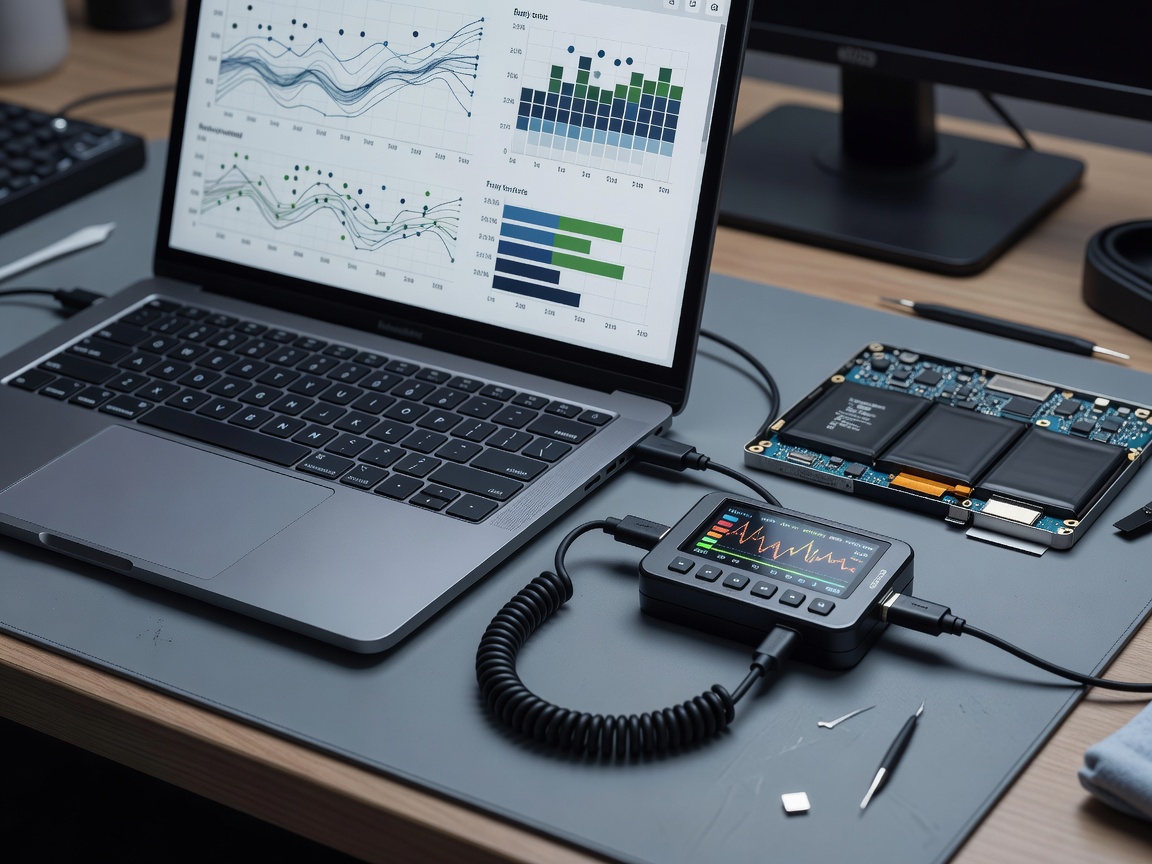
Capacity percentage vs. real-world stability
Most major refurbished platforms advertise a minimum battery floor—commonly 80% or 85% of original design capacity measured under IEC 61960 or manufacturer fuel-gauge standards. At 85% capacity, a smartphone or ultrabook that delivered ten hours when new should still run roughly eight hours under mild workloads.
However, percentage alone does not describe internal resistance. An aged battery that sat on a warehouse shelf at zero percent charge for months, or endured high heat in a docked enterprise laptop, may report 84% capacity while suffering voltage sag during cold weather or camera bursts. That voltage dip causes sudden shutdowns even when the indicator still reads 15%.
Calendar age matters alongside cycle count. A four-year-old laptop with only 60 charge cycles—common in office docking setups—can still have degraded electrolyte chemistry if it was held constantly at 100% charge without a charge-limit threshold enabled in BIOS or Lenovo Vantage.
3D battery cell study: design capacity vs. full-charge ceiling
How to read battery telemetry on arrival
Every major operating system stores fuel-gauge history you can inspect within five minutes of unboxing—without installing third-party spyware.
| Platform | Native Inspection Path | Healthy Benchmark | Warning Sign |
|---|---|---|---|
| Windows Laptops | Run powercfg /batteryreport in Command Prompt and open the HTML output. |
Full Charge Capacity ≥ 80% of Design Capacity; smooth capacity curve. | Sharp overnight drops in recorded capacity or sudden jumps in cycle count. |
| macOS Notebooks | Hold Option, open Apple Menu → System Information → Power. | Condition: Normal; Maximum Capacity ≥ 85% on M-series models. | "Service Recommended" status or cycle count above 600 on recent machines. |
| iOS Devices | Settings → Battery → Battery Health & Charging (plus Cycle Count on iPhone 15+). | Maximum Capacity ≥ 85% and "Peak Performance Capability" active. | "Important Battery Message" or inability to display percentage due to uncalibrated swap. |
| Android Devices | Settings → About Phone → Battery Information (Pixel/Samsung) or diagnostic dialer codes. | Battery health ≥ 85% or Samsung Members diagnostic showing "Good." | Rapid heat during light charging or swelling lifting the rear panel seam. |
Factor replacement costs into the sticker price
When a seller offers an optional "new battery" upgrade at checkout, evaluate who performs the swap and what cell goes inside. An OEM battery fitted by an authorized center restores factory safety protections under IEEE 1625 guidelines and preserves adhesive seals where specified. By contrast, unbranded replacement cells can lose capacity within six months.
On modular laptops such as ThinkPad T-series or Framework systems, a worn battery is rarely a fatal flaw: an authentic replacement pack costs 60 to 110 EUR and swaps out with a standard Phillips screwdriver. On glued smartphones or thin tablets, a professional battery service adds labor cost and risks breaking brittle display cables—making a strong initial battery health guarantee far more valuable.