Why grading labels vary across sellers
No international statute defines what qualifies a used phone or notebook as "Excellent," "Very Good," or "Grade A." Large marketplaces such as Back Market, Rebuy, and Refurbed publish internal checklists based on viewing distance—often 20 to 30 centimeters under neutral lighting—to classify scuffs on the frame and glass.
Smaller independent workshops frequently adapt those labels to fit their own stock. One merchant's Grade B laptop might exhibit light trackpad sheen from corporate typing, while another's Grade B carries a hairline crack near a cooling vent or an unfamiliar replacement hinge cover.
Manufacturer-run storefronts—such as Apple Certified Refurbished or Dell Outlet—sit apart because they control factory tooling. When Apple certifies an iPhone or MacBook, it replaces outer enclosures and batteries on select lines, restoring uniform cosmetics. Third-party refurbishers rarely replace an entire unibody chassis unless the original is bent.
Display swaps and parts origin
A spotless front glass panel is sometimes the result of a budget screen swap rather than careful prior ownership. When an original OLED smartphone display breaks, an OEM service pack can cost nearly as much as the phone's resale value. To protect margins, lower-tier workshops occasionally fit third-party LCD or soft-OLED panels.
These non-original panels can introduce real trade-offs: noticeably thicker bottom bezels, lower outdoor luminance, higher power draw because an LCD backlight illuminates black pixels, or disabled ambient features such as True Tone. On newer iOS and Android releases, serialized component checks may also display an "Unknown Part" notice in settings.
For laptops, watch for panel downgrades on older ThinkPad or Latitude configurations. A corporate model that originally shipped with a 400-nit IPS anti-glare panel might be restored with a dimmer 250-nit TN panel if a technician used a generic compatible screen.
3D optical study: bezel thickness and anti-reflective surface check
Cosmetic blemishes worth accepting—and flaws to reject
Buying smart secondhand tech means trading irrelevant cosmetic marks for solid internal health. Micro-scratches on the underside of a laptop, shiny spots on frequently pressed spacebars, or faint pocket marks on a titanium phone rail do not affect reliability. Accepting a "Good" or "Fair" exterior can cut 15% to 30% off the purchase price without sacrificing computing performance.
By contrast, certain visual clues point to structural stress that undermines longevity:
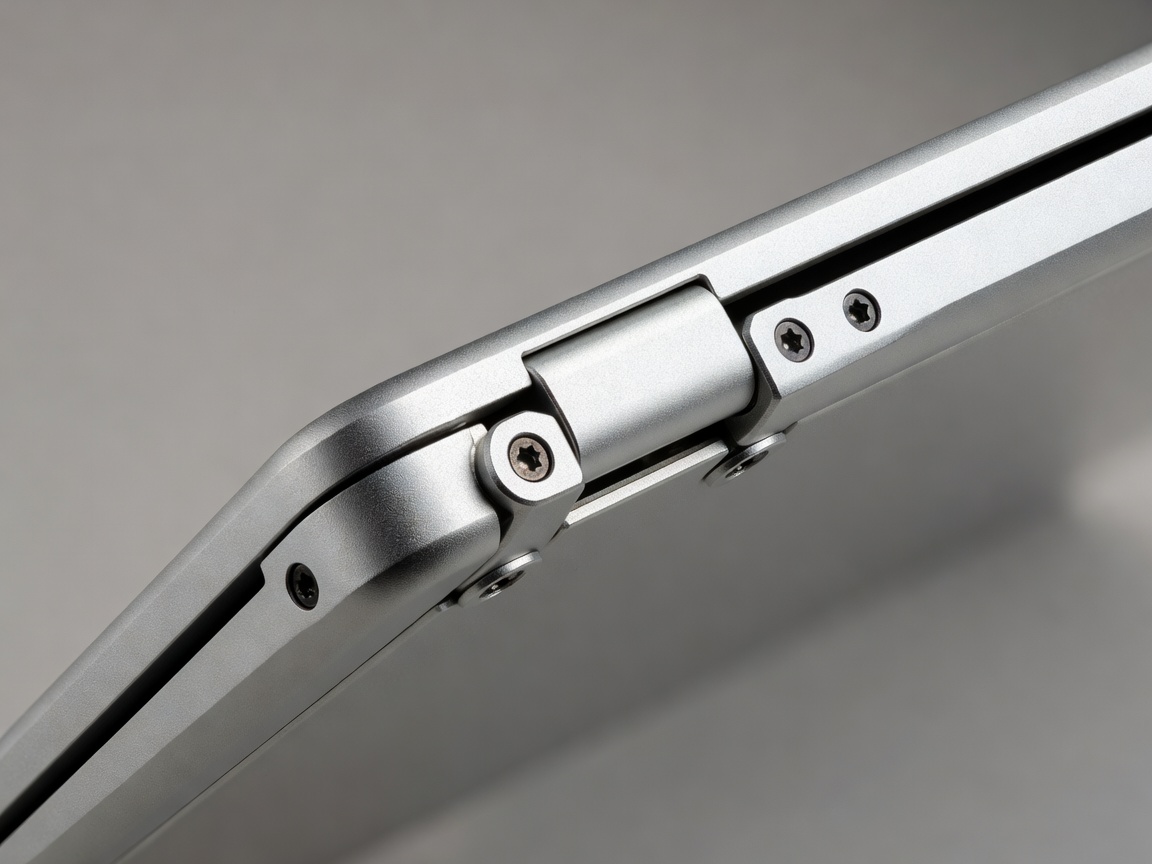
- Corner impact dents near hinges or ports: A crushed aluminum corner next to a Thunderbolt port often stresses solder joints on the logic board or pinches display flex cables inside the hinge barrel.
- Keyboard keycap imprints etched into display coating: Common on thin notebooks carried in packed backpacks; impossible to polish off without stripping the anti-reflective layer.
- Dust or condensation behind camera lenses: Indicates either a cracked lens ring or an imperfectly resealed back glass assembly after prior repair.
- Chipped screen edges or lifting bezel glue: Suggests either a swollen battery pushing upward from beneath the trackpad or an improvised screen adhesive job.
Always cross-check the seller's condition grade against battery wear thresholds and return guarantees before deciding whether the discount justifies the visible wear.